Gutenberg block
Add prayer times directly in the block editor and configure the location from the inspector panel.
Publish accurate daily salah times with a native Gutenberg block, a flexible shortcode, or a classic widget—all powered by the Pray.Zone API.

Choose the workflow that fits your site without writing integration code.
Add prayer times directly in the block editor and configure the location from the inspector panel.
Place a schedule in posts, pages, templates, or supported page builders with one short line.
Support traditional WordPress themes with a familiar widget for sidebars and footer areas.
The plugin handles the API connection and presentation. You stay in control of when the external service is enabled.
Full installation guideIn WordPress, open Plugins → Add New Plugin → Upload Plugin, select the downloaded ZIP, then activate it.
Open Settings → Prayer Times, review the external service notice, and explicitly enable Pray.Zone requests.
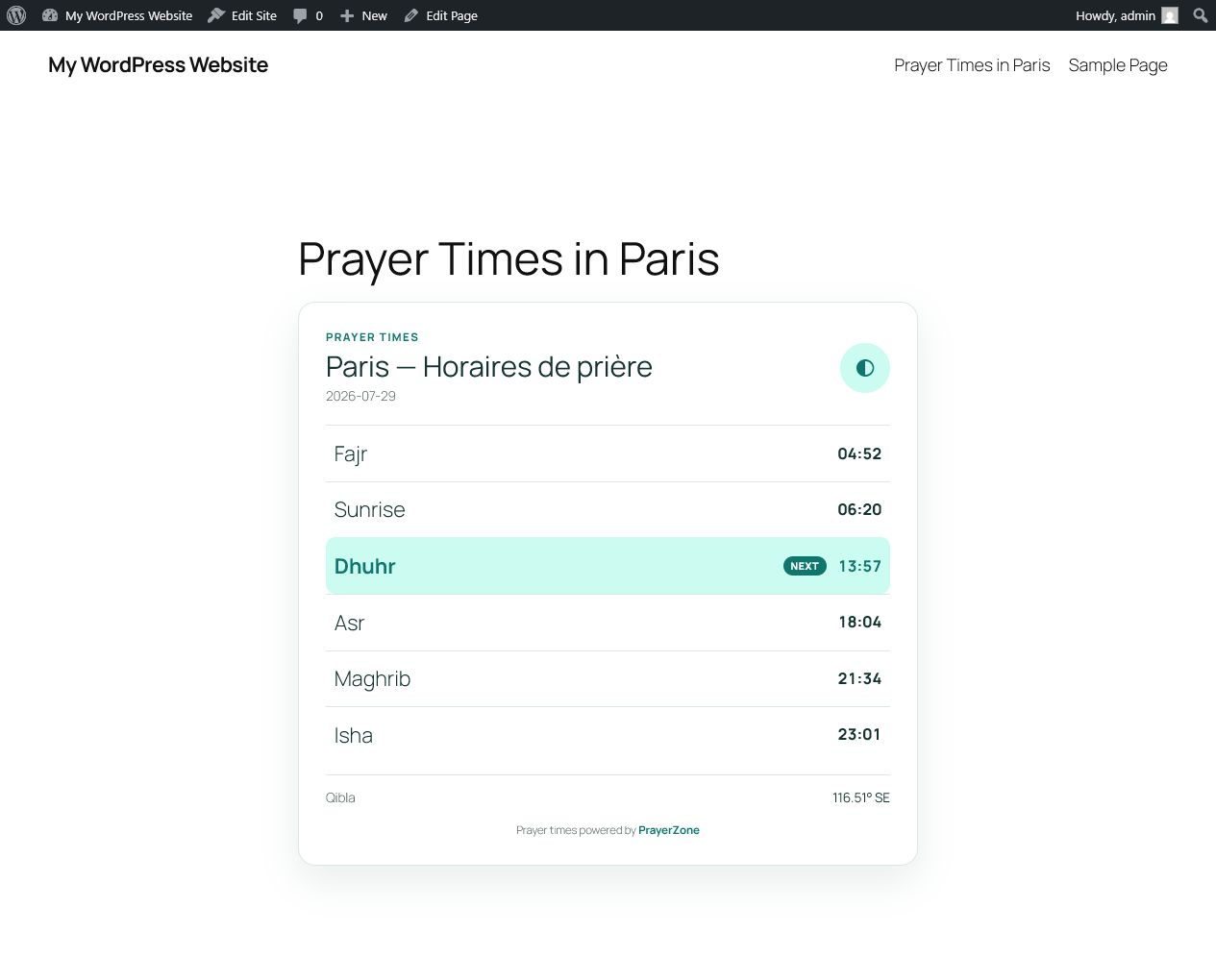
Insert the block, widget, or shortcode and choose the city you want to display.
[prayerzone city="paris"]
The plugin uses the same service that powers Pray.Zone. It supports daily prayer schedules and makes the source visible through mandatory attribution.
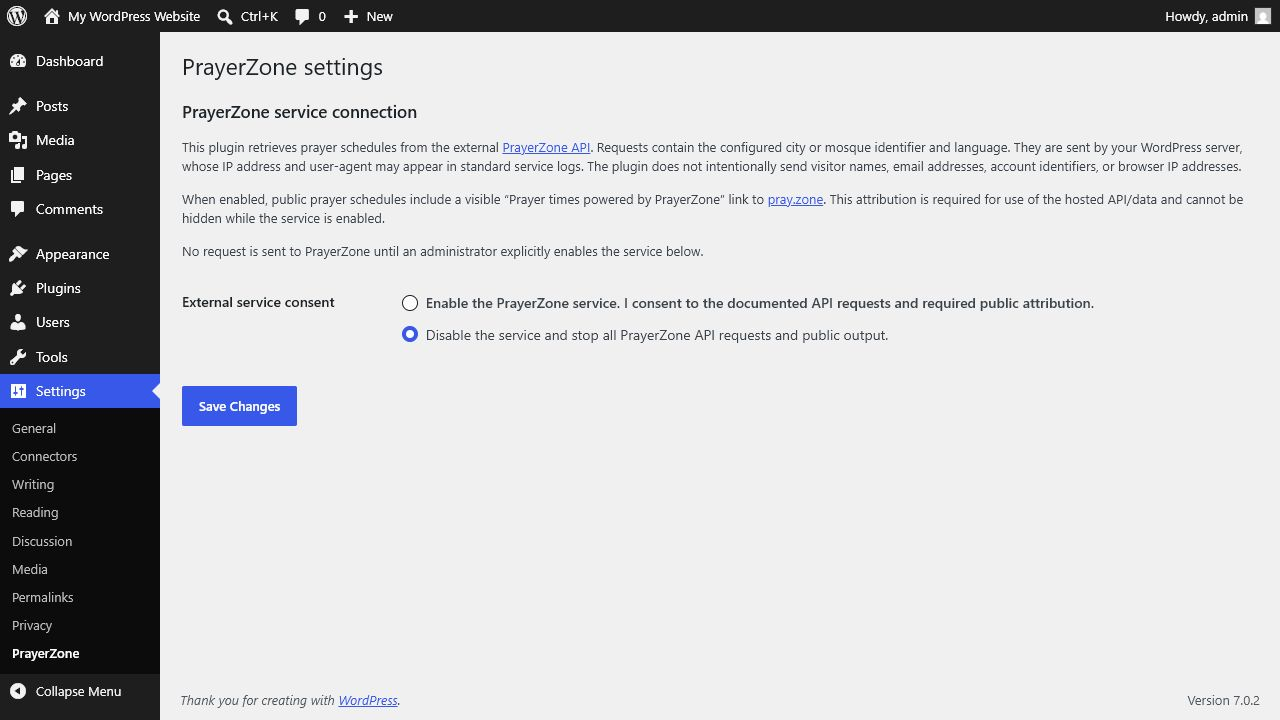
The plugin does not call Pray.Zone until an administrator explicitly enables the external service. Requests contain the information required to return the selected city’s schedule.
Read the privacy policyThe prayer time service is also available through dedicated translated websites:
Download the current stable release. Attribution to Pray.Zone is required when using the service.